CS Groups logoCS GroupsGrow with us

Business Booster

Project Booster

Every task on time, without chasing anyone

CS Projects, team chat, shared files and an AI Projects Manager in one package. Your team works in Projects, and the AI writes to each person through the day — what is overdue, what is due, what got done.

  • Tasks, Gantt, time logs and client access
  • Briefs where your team already talks
  • A GST invoice every month
csgroups.in/office/pmo/projects
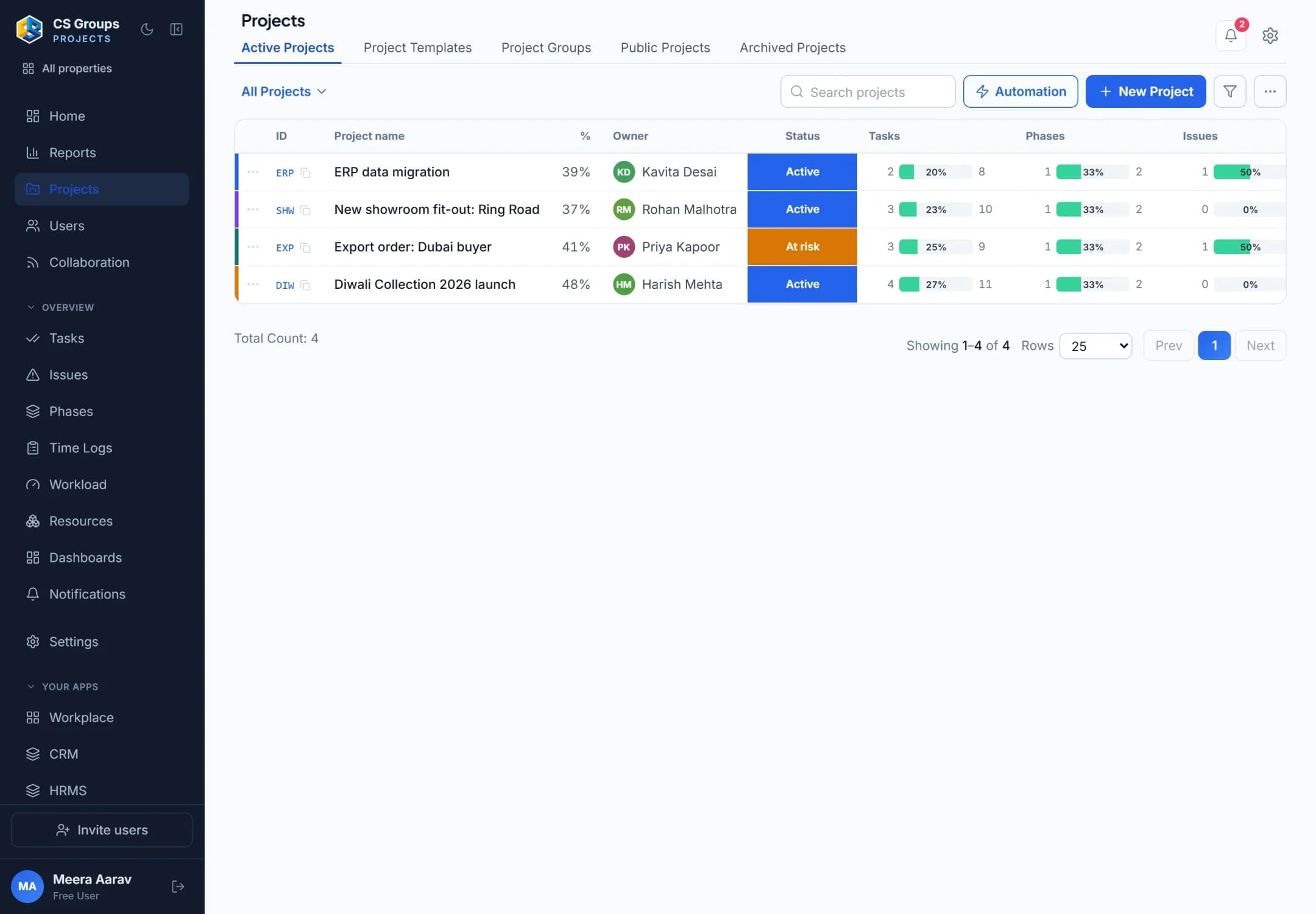
CS Projects: the list of active projects with progress, owner, status, tasks, phases and issues.

AI Projects Manager

A daily brief from your real tasks

How it works

From a task on the board to a task that is done

Projects holds the work, Connect is where the team talks, and the AI keeps each person on their own list.

  1. 1

    The work is planned

    Projects, phases and tasks with owners and dates — on a board or a Gantt chart.

  2. 2

    Each person gets a brief

    In the morning, in CS Connect: what is overdue, what is due today and tomorrow.

  3. 3

    They answer in chat

    “Done” closes a task; “2 din chahiye” moves its date. Through the day, reminders follow up.

  4. 4

    The day is closed

    An evening message on what got done and what is pending — and a nudge to say if something is blocked.

What’s inside

4 apps, one package

Each one works on its own, and all of them together. Every plan has them all — the plans differ in what each can do.

3 users

CS Projects

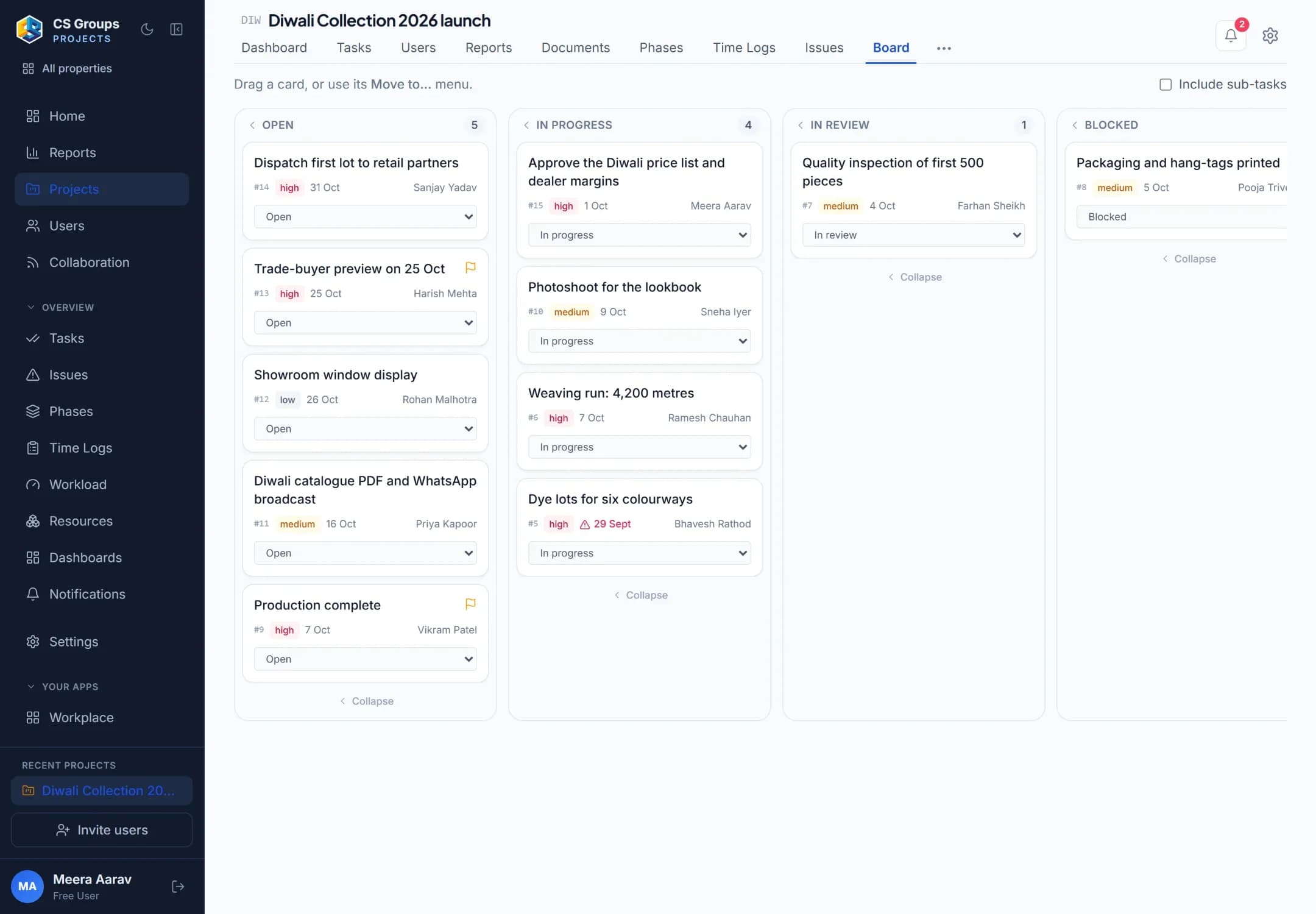
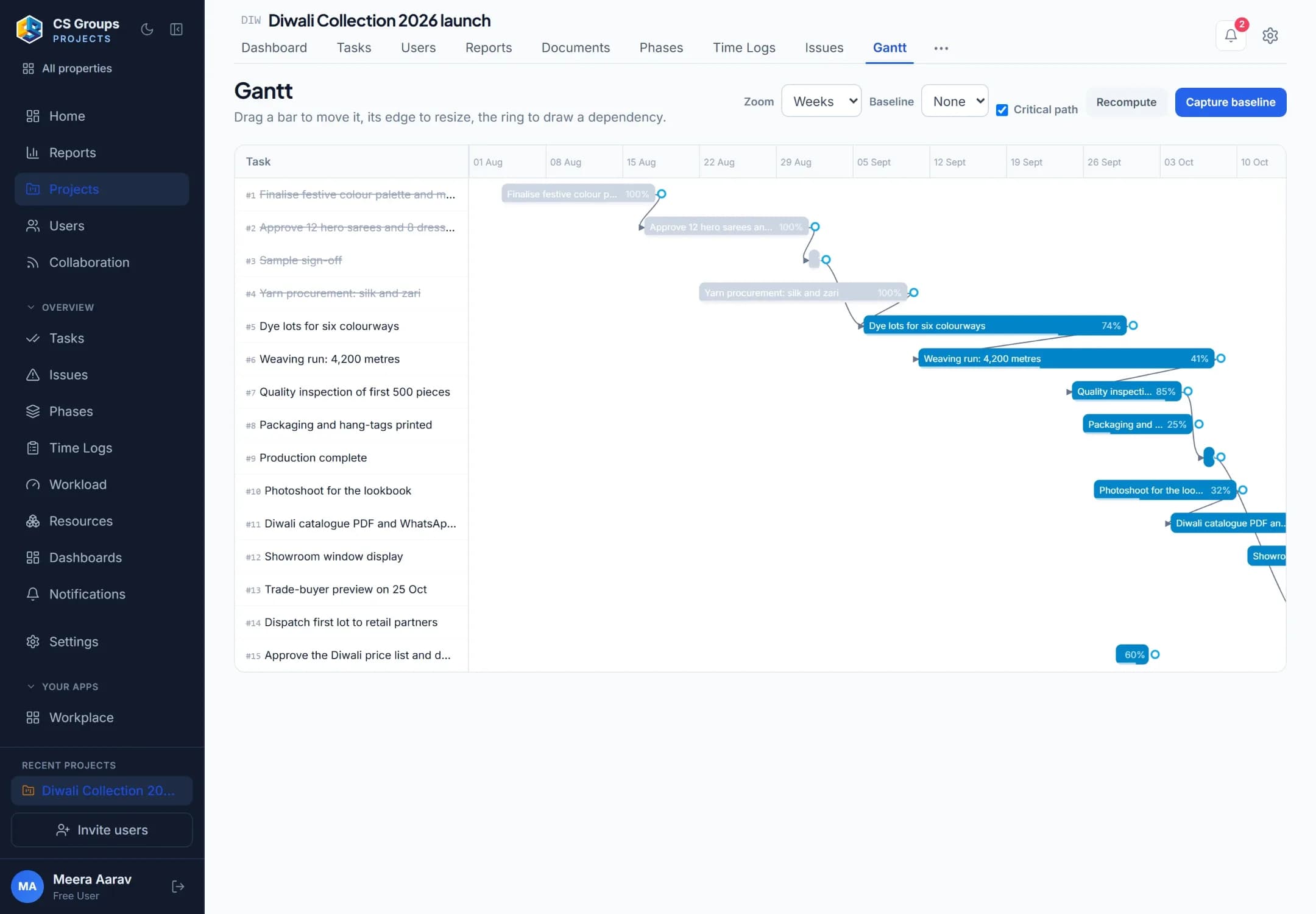
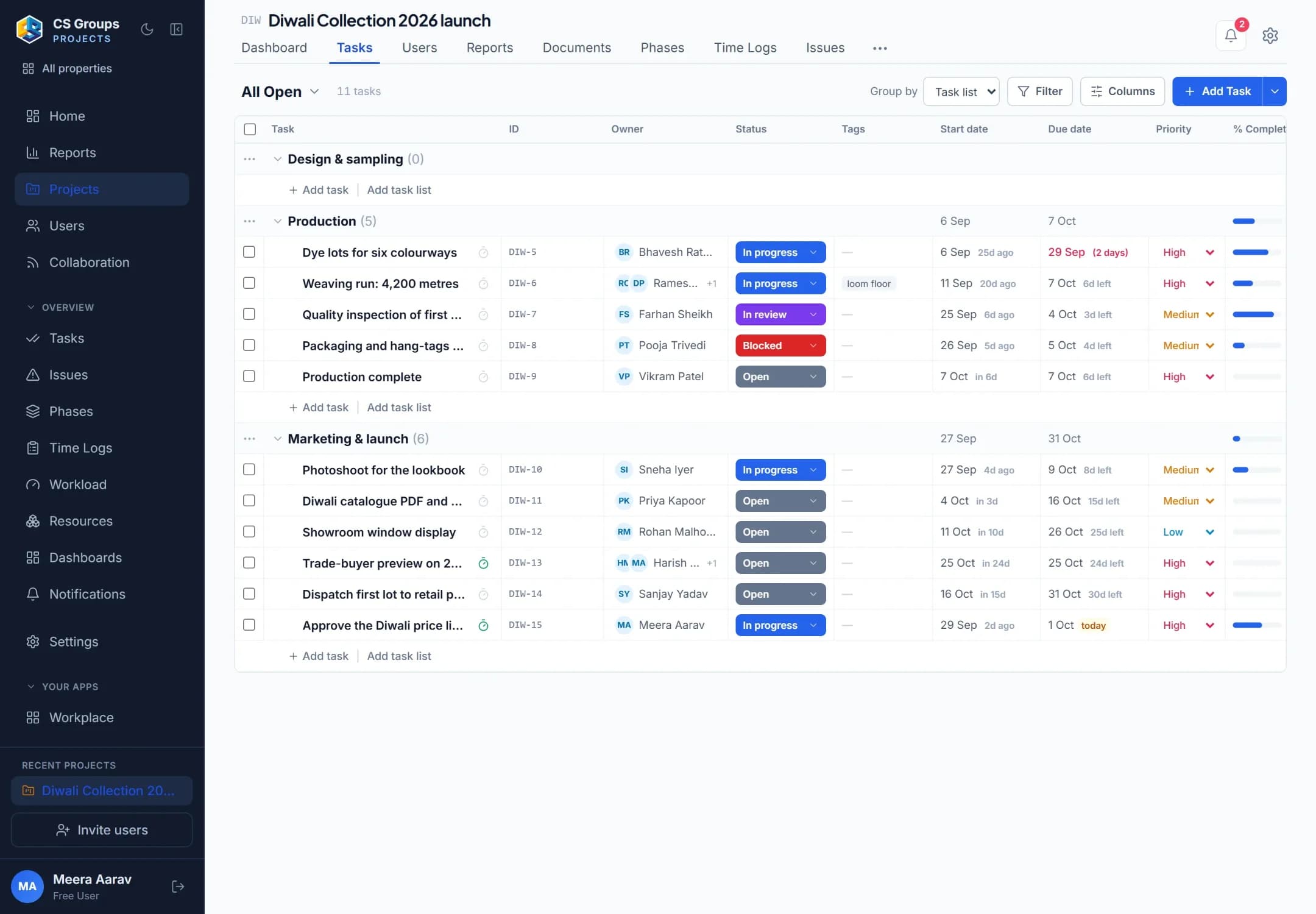
Projects, phases and tasks your team and your clients work on — in a list, a board, a calendar or a Gantt chart.

  • Tasks, subtasks, phases and dependencies
  • List, board, calendar and Gantt views
  • Time logs with a running timer, and an issue tracker
Included free

CS Connect

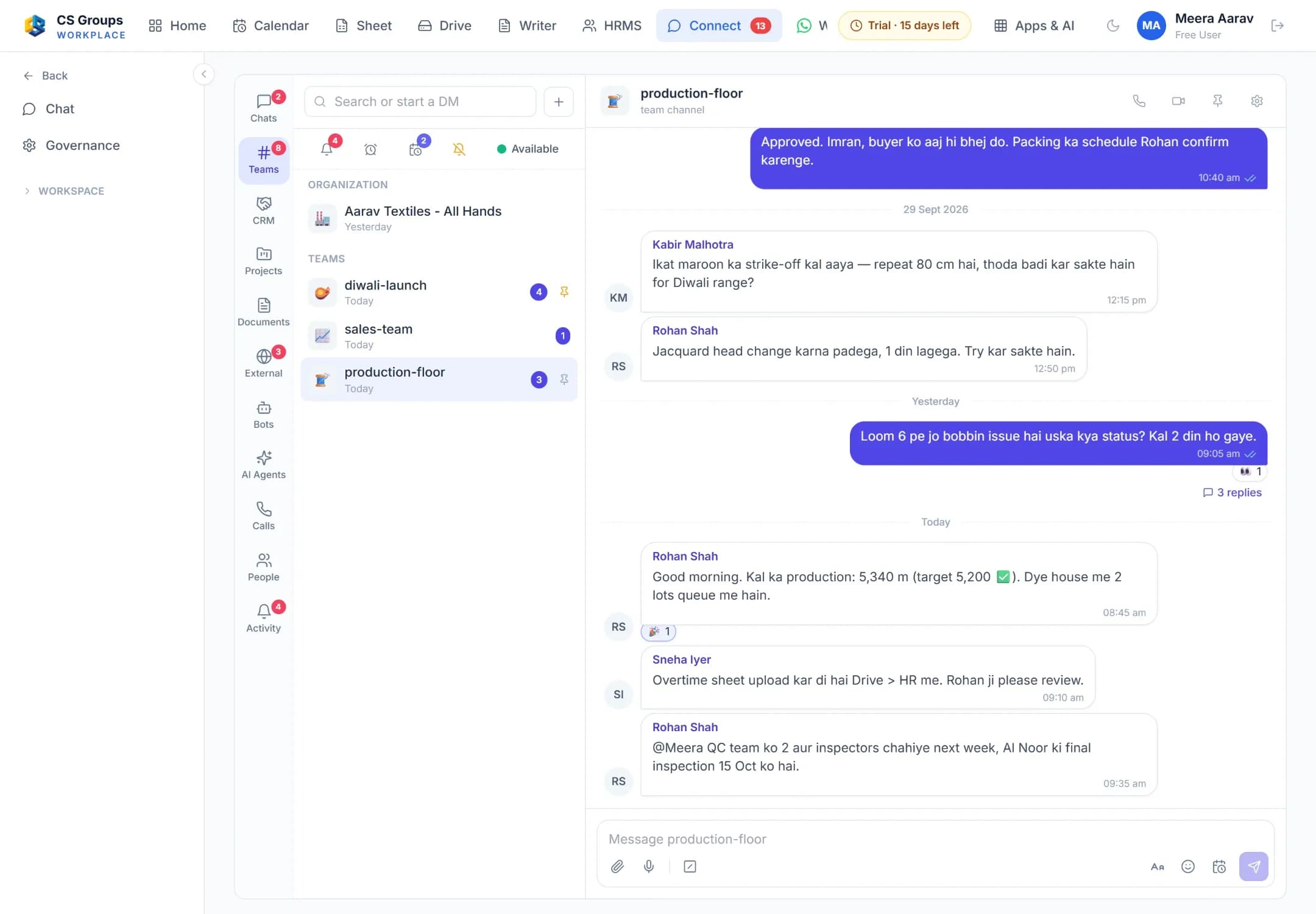
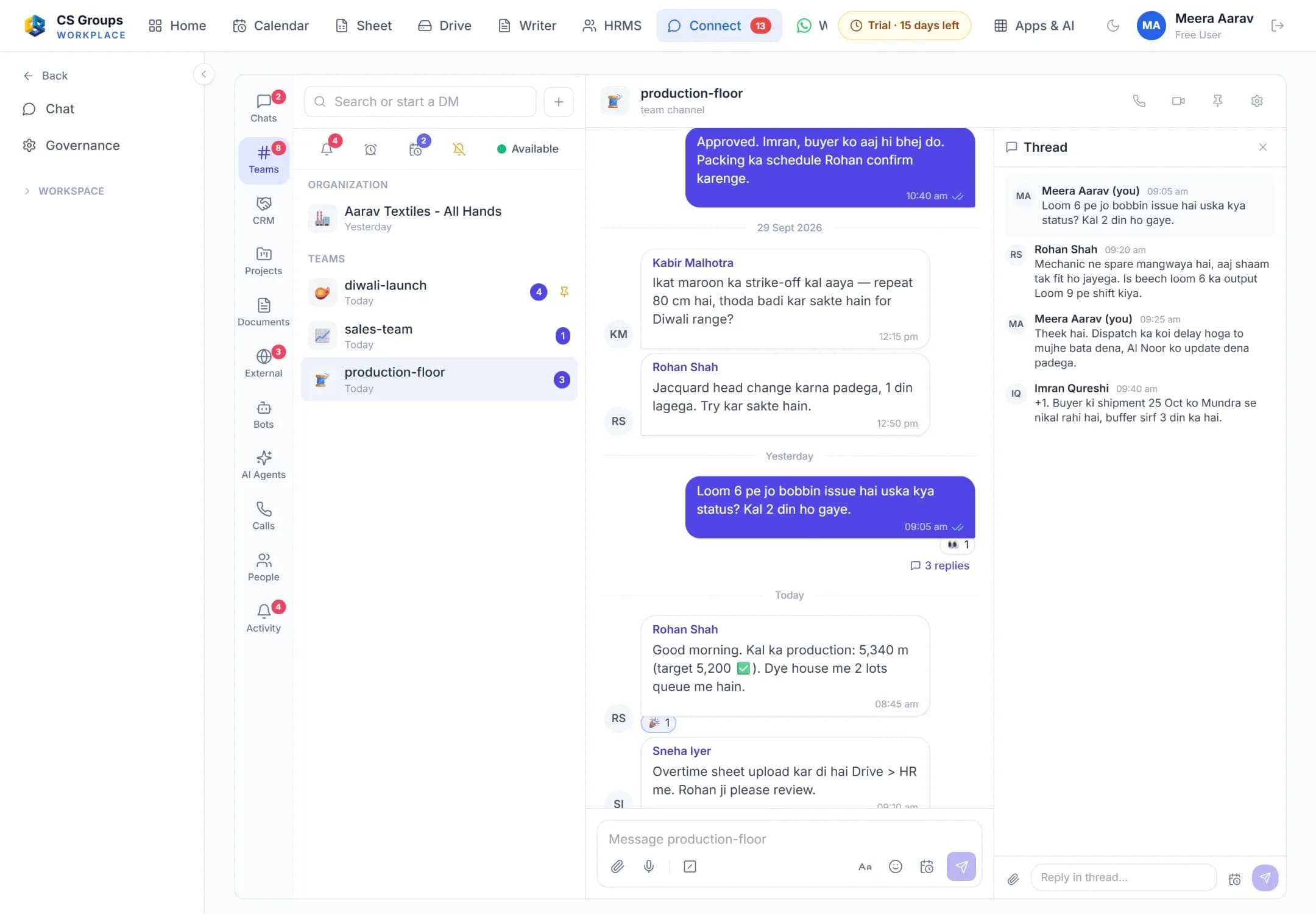
Team chat and calls, with chat on every project — where the AI’s briefs arrive.

  • Channels, direct messages and threads
  • Voice and video calls with screen share
  • Free with the workspace for up to 10 people
Included free

CS Drive

The team’s files in one place, shared with the people who need them.

  • Folders and files for the whole team
  • Share with a person, or by a link
  • Free with the workspace, with Writer and Sheet
On the way

AI Projects Manager

Writes to each person in CS Connect through the working day, from the tasks in CS Projects.

  • A morning brief: overdue, due today, due tomorrow
  • Overdue reminders, a midday check and a last push
  • Reply “done” to close a task, “2 din chahiye” to move its date

Runs inside CS Groups today. Opening it to client workspaces is the next step for this Booster.

CS Projects

Plan it, assign it, see it through

CS Projects: the list of active projects with progress, owner, status, tasks, phases and issues.

CS Connect

Team chat, calls — and a room for your client

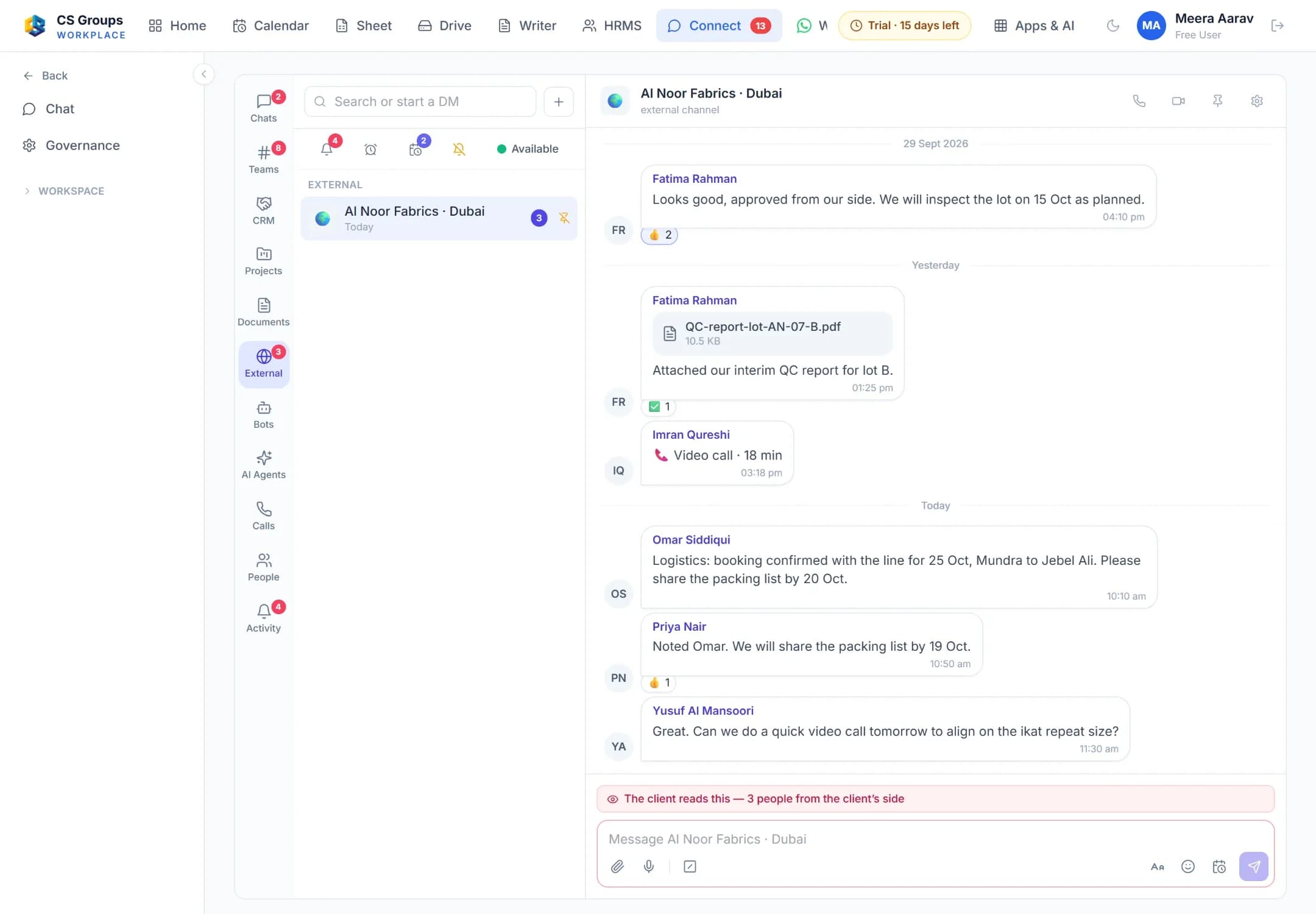
CS Connect: a team channel with messages, reactions and a thread, and the list of channels beside it.

CS Drive

Every file, in folders the team shares

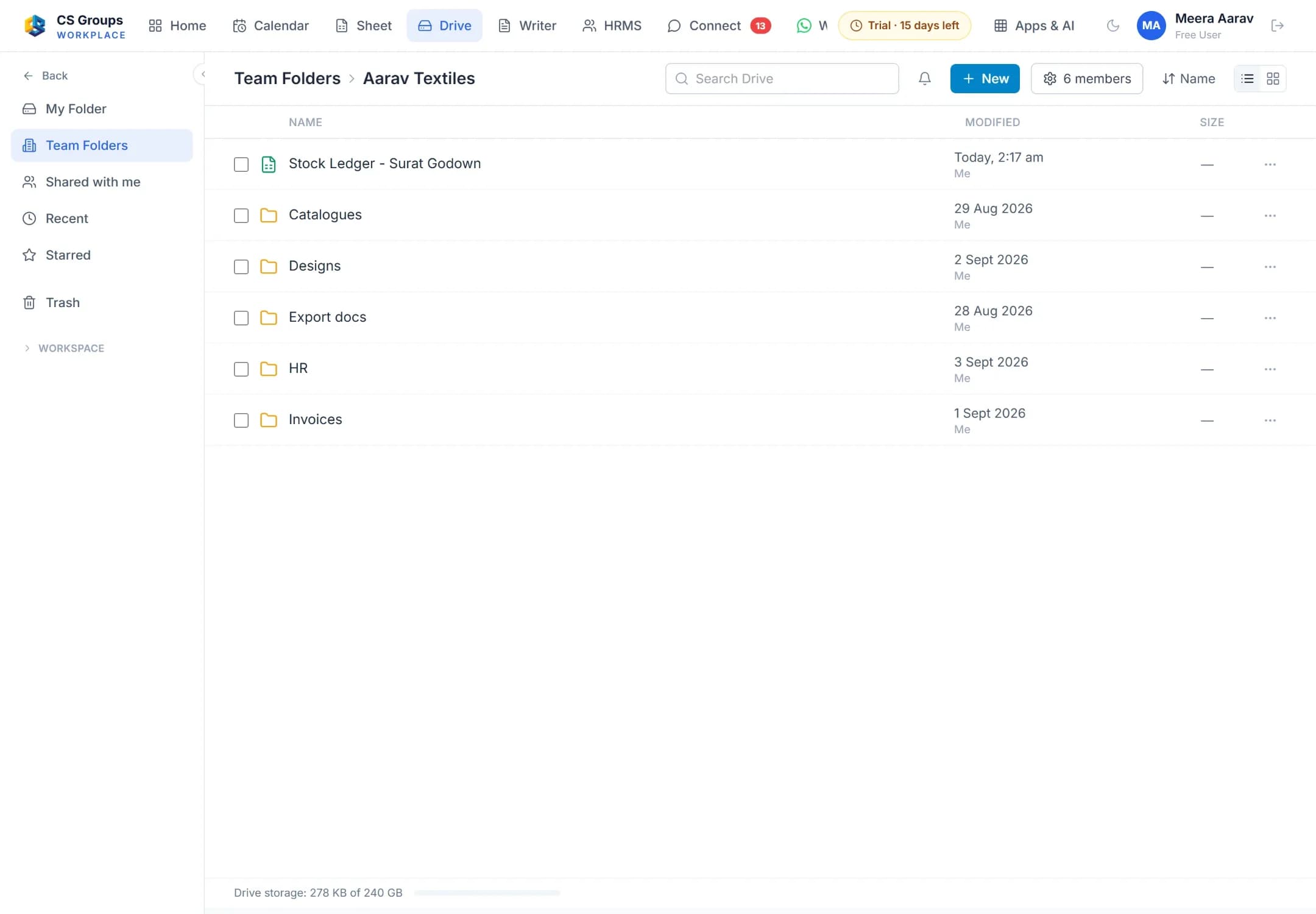
CS Drive: the team folder with its sub-folders and a spreadsheet, and the menu of folders on the left.

The AI Projects Manager

Briefs that keep every task moving

It writes to each person through the working day, taken straight from the tasks in CS Projects. Anything it proposes — a task to reassign, a deadline to escalate — waits for a person to say yes.

APAI Projects ManagerYour daily brief

An illustration — made-up people and numbers, the real steps.

Behind the scenes

  1. Morning · 1 overdue, 3 due today.
  2. Midday · 1 completed, 2 pending.
  3. Final push · 1 task must finish today.
  4. End of day · 2 completed, 1 pending.

On a real screen

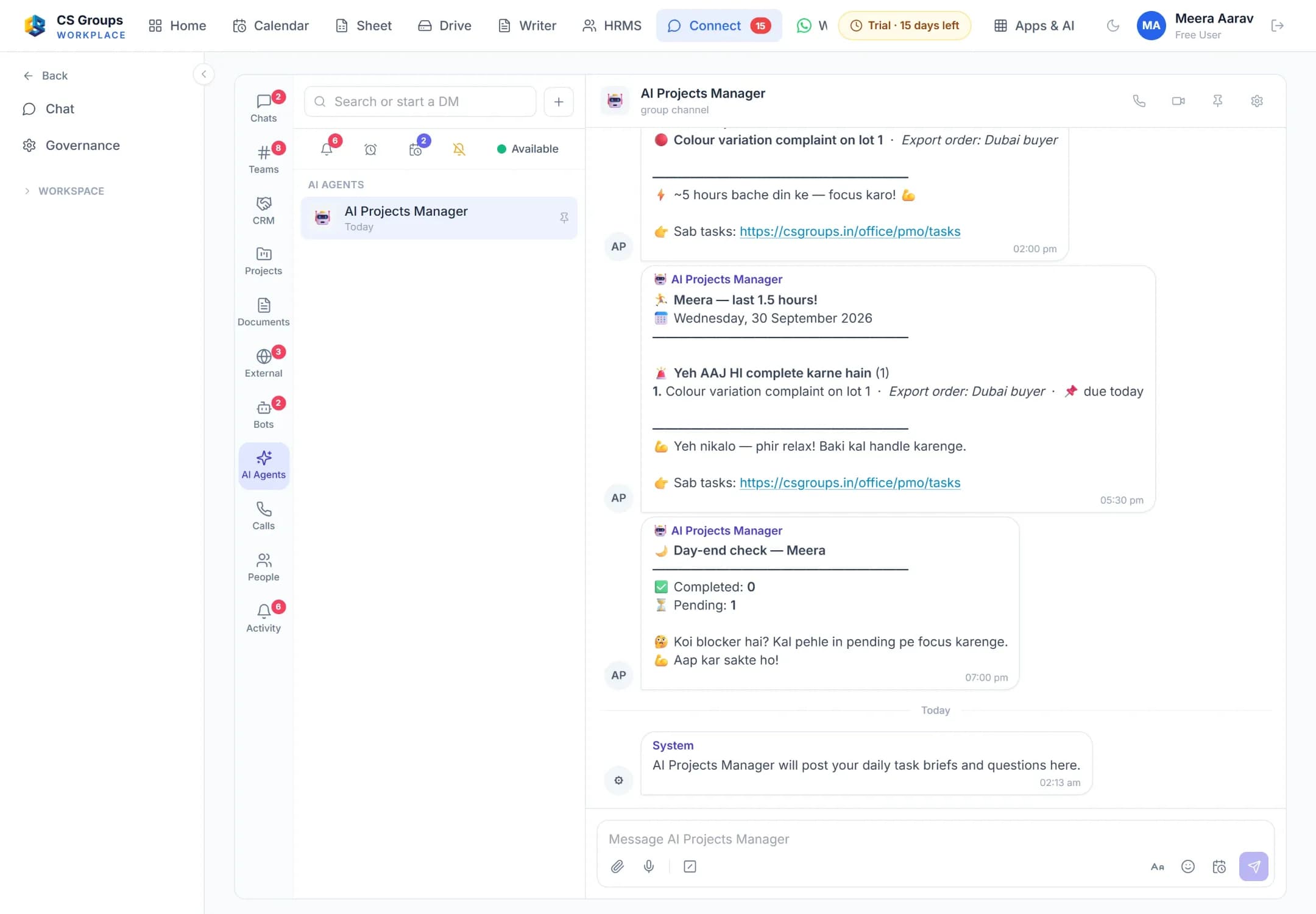
CS Connect: the AI Projects Manager’s room with a last-hours reminder and a day-end check listing completed and pending tasks.

Plans & prices

Project Booster, every plan

Billed monthly. Each plan includes everything in the one before it — our team sets it up with you and gives you the price on a call.

Starter

A small team’s projects, on time

Price on a call

What you get

  • Tasks, subtasks, phases and dependencies
  • List, board, calendar and Gantt views
  • Issue tracker, documents, wiki and team chat
  • Time logs with a running timer
Recommended

Growth

Client work with timesheets, budgets and templates

Price on a call

Everything in Starter, plus

  • Project templates and recurring tasks
  • Timesheet approvals and billing rates
  • Budgets and earned value
  • Custom fields, blueprints and business rules

Pro

Many projects at once, and the people across them

Price on a call

Everything in Growth, plus

  • Critical path and baselines on the Gantt chart
  • Workload and dashboards across projects
  • Issue SLAs, webhooks and custom roles

One package, one monthly bill

CS Projects and the AI Projects Manager are billed together — the apps’ own prices added up, nothing on top.

Chat and files come free

CS Connect and CS Drive come with your workspace — no separate charge for a small team.

AI messages from your AI wallet

Each AI message is paid from a prepaid wallet at the AI model’s own cost, with no markup.

A GST invoice every month

The plan is billed monthly in advance, with a numbered GST invoice; each wallet recharge has its own.

Subscriptions follow our Terms and Refund Policy.

Questions

Before you start

Is the AI Projects Manager open now?

It runs inside CS Groups today, on our own projects. It opens to client workspaces with this Booster; until then, Projects, Connect and Drive work on their own.

Does the AI give out work by itself?

No. It reminds each person about their own tasks and asks how they stand. Anything it proposes — a task to reassign, a deadline to escalate — waits for a person to say yes.

Can my clients see their project?

Yes, from the Growth plan: Projects comes with free client seats — 5 on Growth and 25 on Pro — so a client follows their own project.

Where do the briefs arrive?

In CS Connect, where your team already talks — each person gets their own, with a link straight to their task list.

How many projects can we run?

Up to 5 on Starter and as many as you like from Growth up.

Is the plan fee refundable?

The plan is billed a month at a time, in advance, and a month already paid is not refunded. Cancellation follows our Terms.

See your projects run themselves

Book a free 30-minute demo and we will show you the briefs, the reminders and the end-of-day check on a real project.

Subscriptions follow our Terms and Refund Policy.